Your documents, in your pocket
DeskCentral mobile is built for the clients of professional firms — CAs, insurance advisors, loan consultants, lawyers. One login. Every organization. Fully isolated.
Important
The DeskCentral mobile app is for clients of professional firms — not for the firm's internal employees.
If you're a customer of a CA firm, insurance advisor, loan consultant or legal firm that uses DeskCentral, this app is for you. Install it once and securely access every document your service providers share with you.
One Client. Multiple Professionals. One Secure App.
Access documents from your CA, Insurance Advisor, Loan Consultant and other service providers — from one secure mobile application. One login. Fully isolated workspaces.
Rahul's service providers
Tap to switchRahul Sharma
rahul@gmail.comSame email, same login, same app — across every organization Rahul works with.
Workspace
Mehta & Co.
Chartered Accountant
Documents
GST Returns Q3
Updated today
ITR Filing 2025
Updated today
Audit Workpapers
Updated today
New document from Mehta & Co.
What each organization can see
Mehta & Co.
ViewingShieldCover Insurance
IsolatedCapital Loans
IsolatedSecurity guarantee
Zero cross-organization visibility. Ever.
The full client journey · 10 steps
STEP 1
Invitation received
STEP 2
Install app
STEP 3
Login with email
STEP 4
Organizations appear
STEP 5
Switch workspace
STEP 6
View documents
STEP 7
Get notifications
STEP 8
Download document
STEP 9
Upload requested file
STEP 10
Securely collaborate
How Clients Use DeskCentral Mobile App
From invitation to approval — every step takes seconds.
Receive invitation
Your service provider invites you by email — no signup needed.

Login using email
Sign in once with your email. No separate passwords per provider.
See connected organizations
Every organization that shares with you appears automatically.

Switch workspaces
Move between your CA, insurer, lawyer — fully isolated, in one tap.
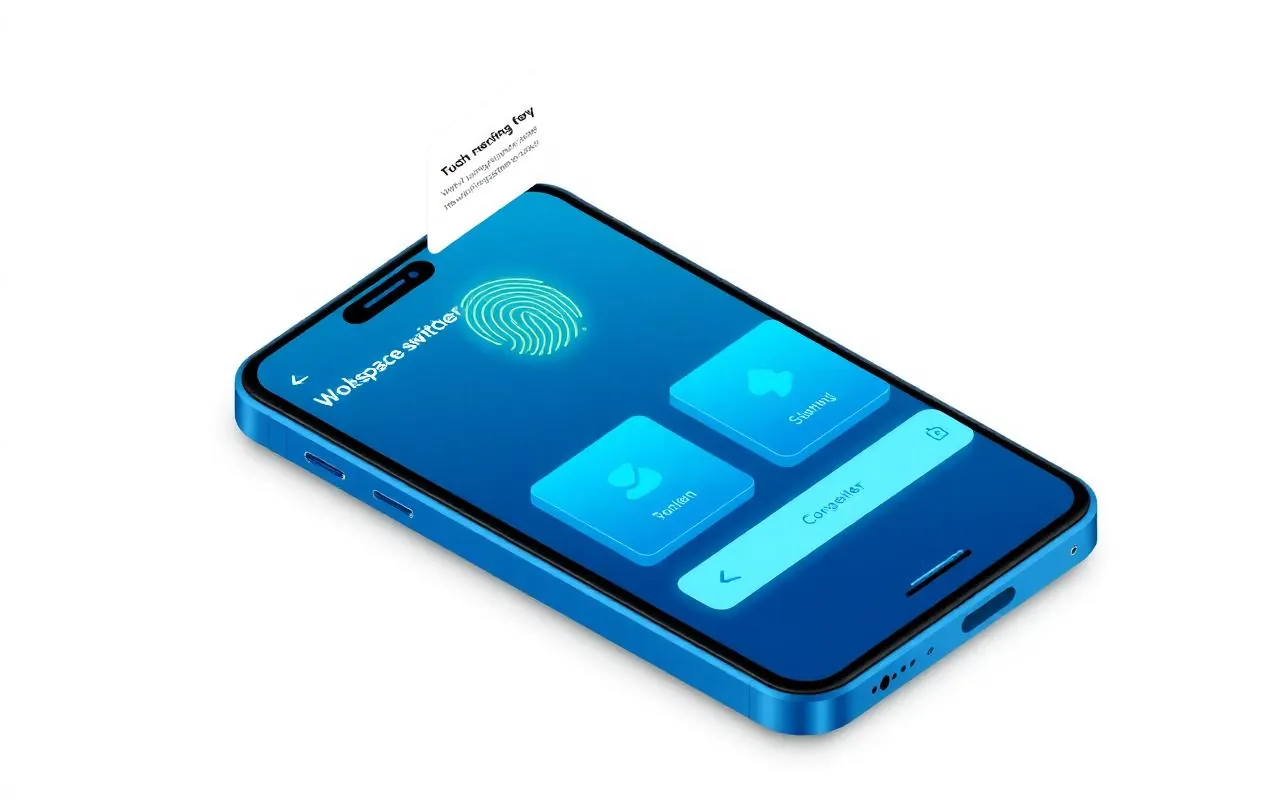
Access documents securely
End-to-end encrypted. Role-based. Audit-tracked. Always.
Document arrival alerts
Push notifications the moment a new file is shared with you.
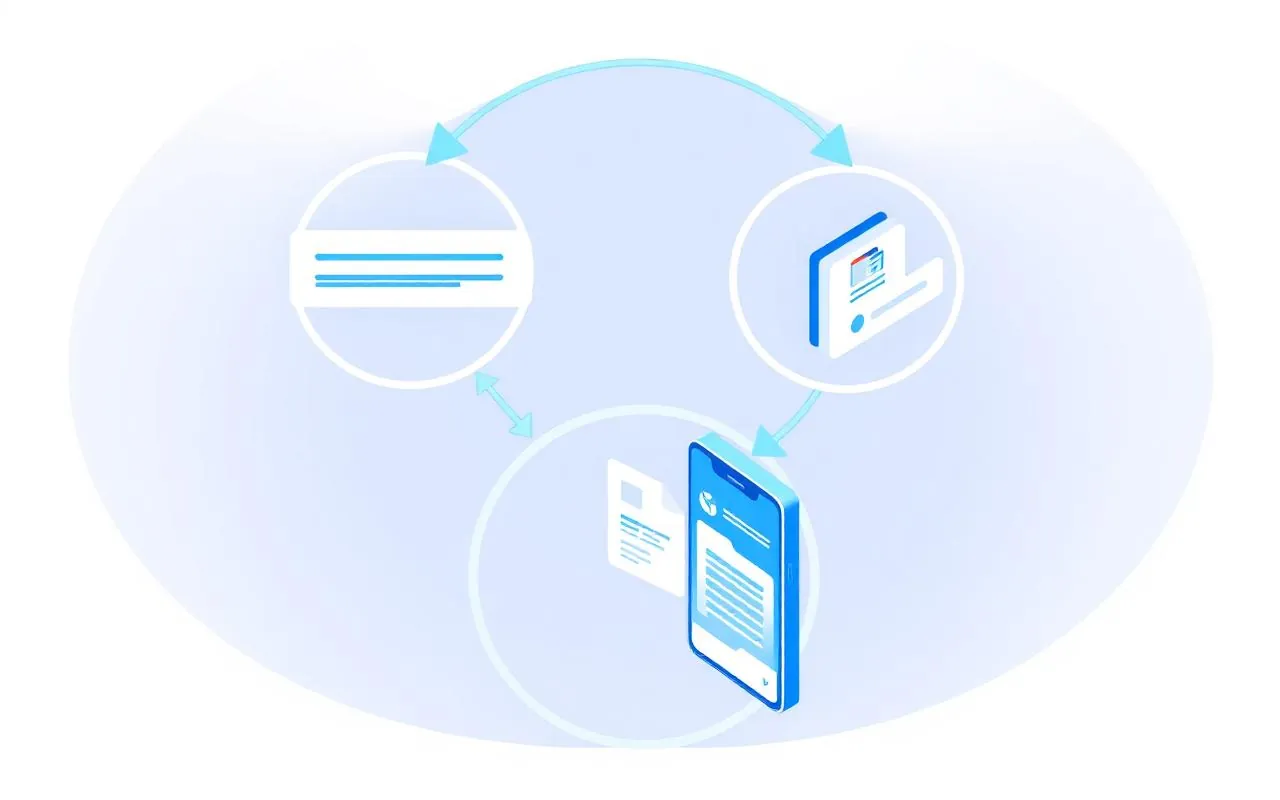
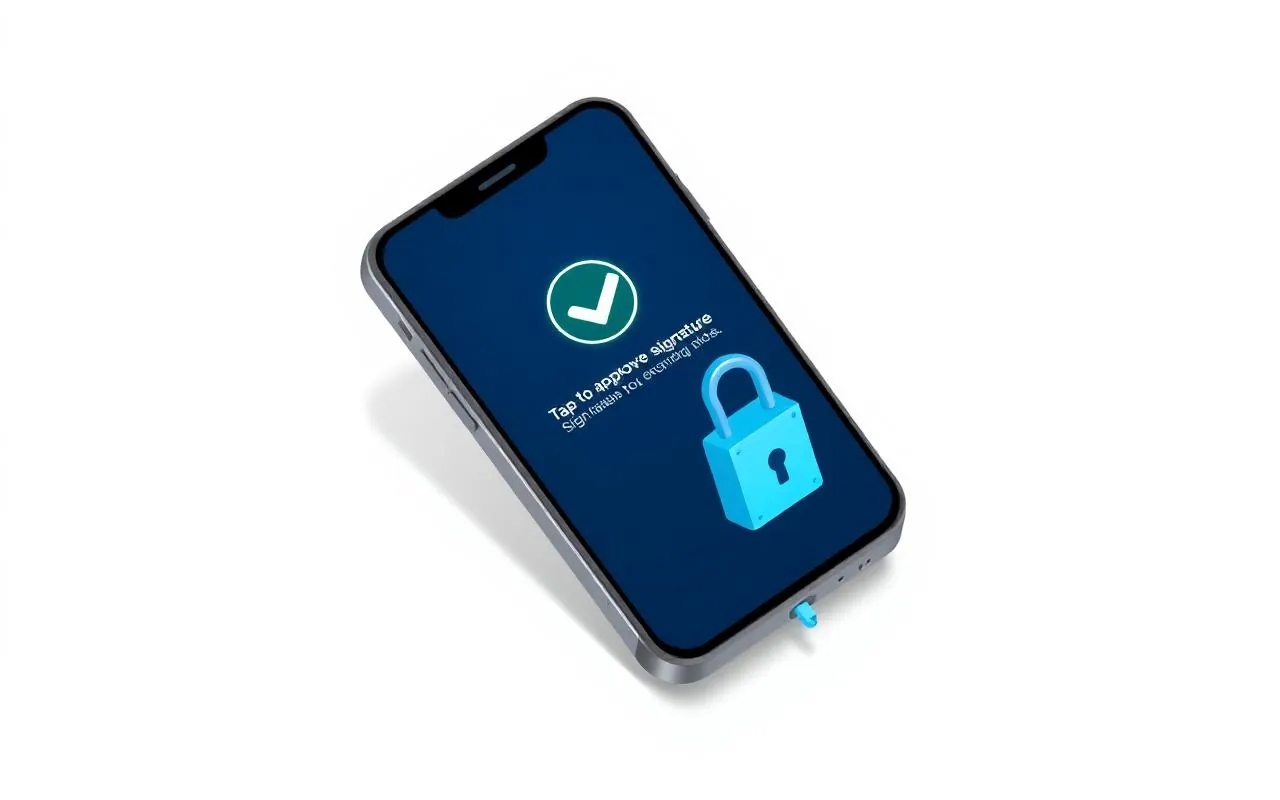
Approve requests instantly
Sign, approve or upload back — without leaving the app.
Documents
Workspaces
Approvals
View Shared Documents
Securely view every document your service providers share.
Search Across Workspaces
Find any document across all your organizations.
One-Tap Approvals
Review and approve requests from any organization.
Real-time Notifications
Get notified the moment a new document arrives.
Offline Access
Star key documents to access them without a signal.
Biometric Login
Face ID and fingerprint, one secure session per device.
Ready to Modernize Your Document Management?
Get a personalised walkthrough, evaluate DeskCentral with 100 GB of free trial storage, and see how secure document workflows can transform your team.